
Canva for Real Estate: A Beginner's Guide for Dubai Agents
Wyka Team
If you want professional listing designs but you do not want to hire a designer or wait for a freelancer, Canva is where most Dubai agents start. It is a free design tool you use in your browser. You pick a ready-made template, add your photos and text, and you are done — no design skills needed. But there is a catch with using Canva every day, and we will come to it at the end.
Why agents like it
Canva removes the two things that made design hard before: cost and skill. You do not need Photoshop, and you do not need training. You pick a template, add your details, and post. For a busy agent, that speed is everything.
Start with a template, not a blank page
The biggest beginner mistake is starting from an empty page. Do not. Search Canva for the format you need — Instagram post, story, flyer — and start from a template that already looks good. Editing a good template is much faster than building from zero.
Set up your brand once
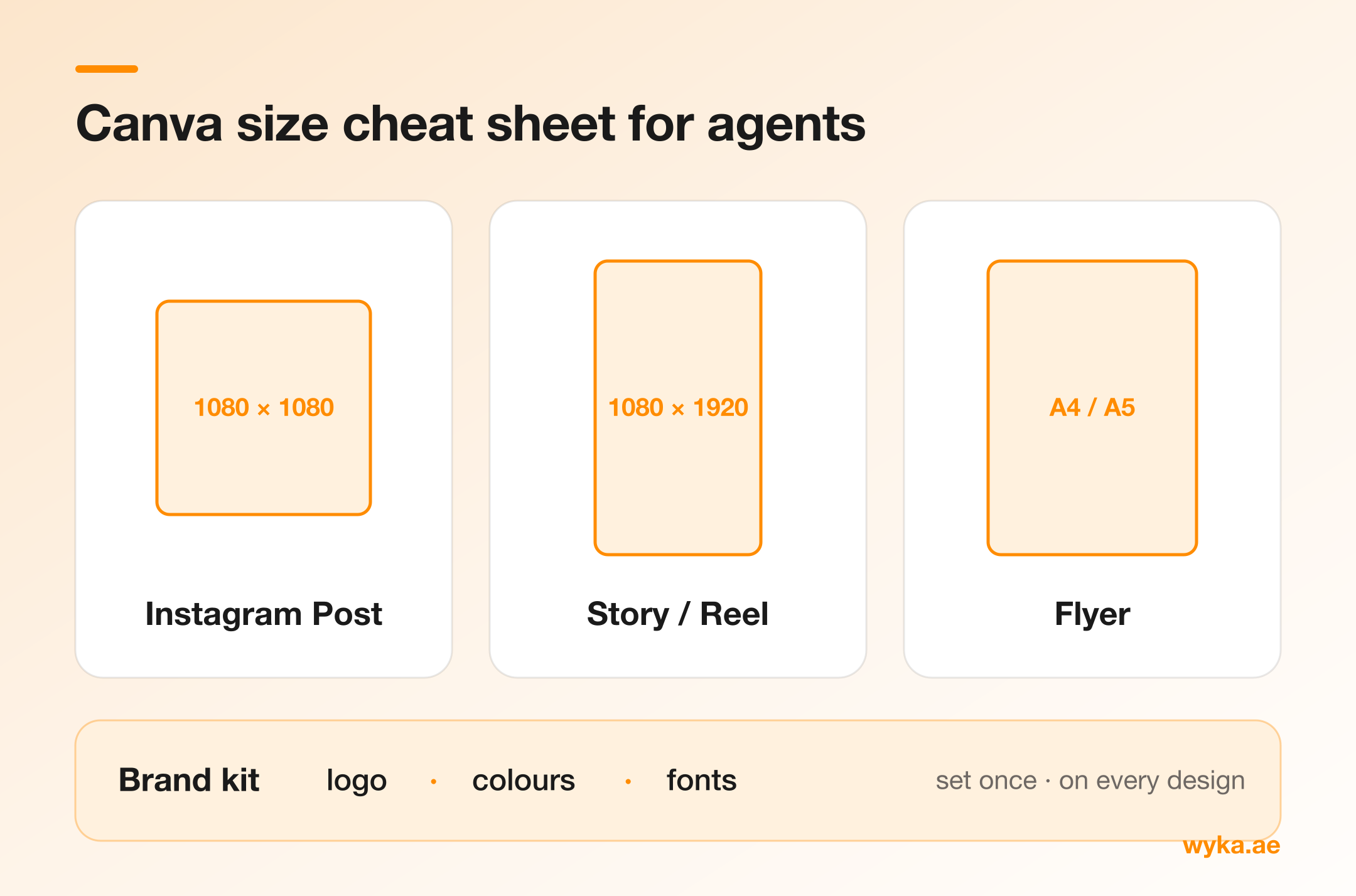
Before you design anything, put your brand basics in one place: your logo, your two or three brand colours, and your fonts. Canva lets you save these so they are one click away every time. This is what keeps all your posts looking the same — and looking the same is what makes people recognise you.
Know your sizes
Different posts need different sizes. The main ones for a Dubai agent:
- Instagram post — square (1080 x 1080)
- Instagram story or reel cover — tall (1080 x 1920)
- Flyer or brochure — A4 or A5
Canva has these ready, so you rarely need to think about the numbers. Just pick the right template.
What to make
For most agents, four types of design cover almost everything:
- New listing posts — your main content
- Stories — quick and casual, for viewings and behind the scenes
- Just sold or just leased — proof you close deals
- Brochures — for serious buyers and handovers
Simple habits that look professional
- Use good photos. Even the best design cannot fix a dark or blurry photo.
- Do not fill every space. Leave room around your text.
- Use your brand colours, not random colours.
- Always add your logo and contact details.
The catch: Canva takes time, every day
Canva is great, but it has a hidden cost — time. Every listing means opening a template, adding the price and details, resizing the photos, checking the branding, and doing it again for the next unit. Across a busy week, that adds up. This is the problem Wyka solves. Wyka works inside Canva, the tool you already use, and pulls your listing details and branding into the templates for you. You keep everything you like about Canva, and skip the slow, repeated work.