
How to Stop Your Agents Posting Off-Brand Designs
Wyka Team
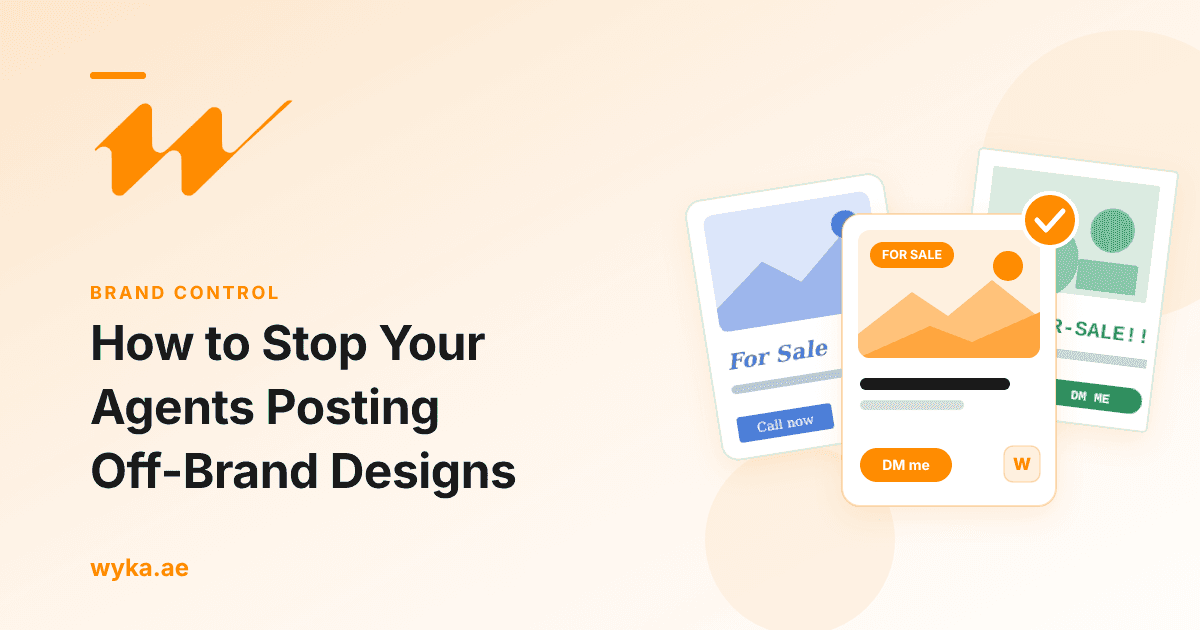
You open Instagram and find one of your agents has posted a new property in a font you have never seen, with last year's logo squeezed into the corner. Another has used a free template in someone else's colours. Nobody meant any harm. They had a property to post and no time to wait for marketing.
If you run marketing at a Dubai agency, this is probably a weekly event. Here is how to fix it without becoming the person who designs every post.
The short answer
Agents go off-brand when the off-brand route is faster. You fix it by making your official designs the quickest option they have, and by setting the rules once so you are not checking every post.
Why agents go off-brand
It is rarely about attitude. It is usually one of these:
- Speed. A property comes in and the agent wants it posted today. If a design request takes two days, they will make their own.
- Access. The logo files sit in someone's inbox and the brand fonts are not installed, so they improvise.
- Vague rules. "Keep it on brand" means very little to someone who is not a designer.
- New joiners. They arrive with templates from their last agency and keep using them.
Every fix below targets one of these.
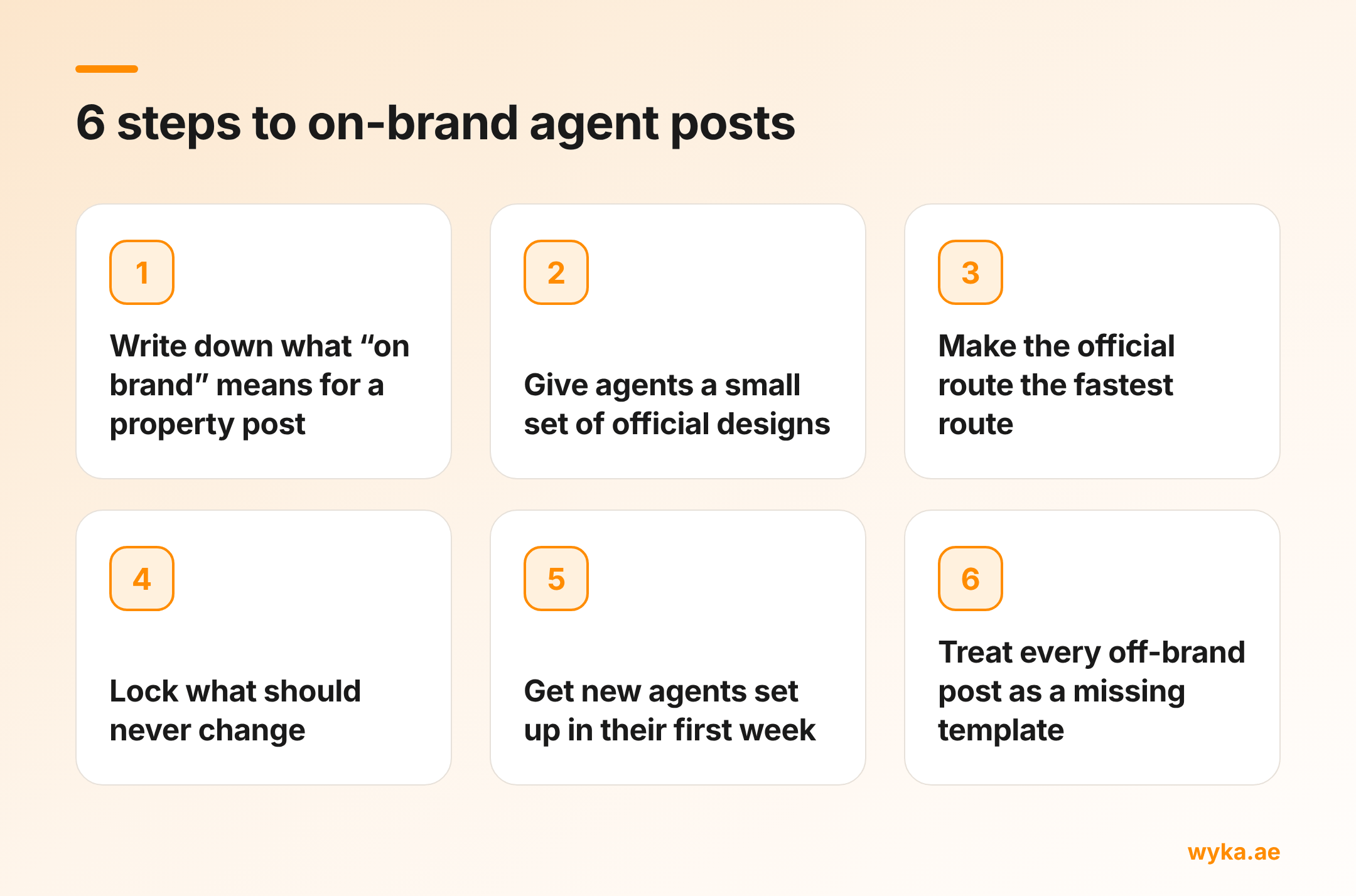
Step 1: Write down what "on brand" means for a property post
Keep it to one page. Cover the logo version and where it sits, your colours, your fonts, how prices are written (AED 2,350,000 or AED 2.35M, pick one), which contact details appear, and where the advertising permit details go on posts that need them.
If following it needs a design background, agents will not follow it. Short and specific wins.
Step 2: Give agents a small set of official designs
Agents do not need fifty options. A handful of designs covers most of what they post: a new property, a new project launch, just sold or just leased, an open house, and a personal or market update.
Build each one so that only the photo, price and details change. Everything else stays fixed.
Step 3: Make the official route the fastest route
This is where most agencies slip. A shared folder of design files is not fast. A request form that goes to a busy marketing team is not fast either.
Put the official designs inside the tool your agents already use. For most Dubai agents that is Canva. Pre-load the logo, colours and contact details so the agent only fills in what changes. When the on-brand version takes two minutes, most agents stop making their own.
Step 4: Lock what should never change
Logo, colours, fonts and legal details should not be editable by accident. Canva lets you lock elements in a template so they cannot be moved or changed with a stray click. Treat this as a guard rail. Anyone with edit access can unlock an element, so it works best alongside Step 3.
Step 5: Get new agents set up in their first week
Habits form early. Send every new joiner the official designs before they post anything, and walk them through one post. Ten minutes in week one saves months of chasing later.
Step 6: Treat every off-brand post as a missing template
When an off-brand post appears, ask the agent why they did not use the official design. The answer is usually that the design they needed did not exist. There was no "price reduced" version, or nothing for a rental.
Add the missing design. Each off-brand post tells you what your library is missing, and the problem shrinks every time you close a gap.
What tends to backfire
Banning agents from posting their own content rarely works. They post anyway, often on personal accounts you cannot see.
Approving every post yourself works for a week. Then you become the bottleneck, agents stop waiting, and you are back to being the design department.
Where Wyka fits
Wyka is a Canva app built for this exact problem. You set your agency's logo, colours and official designs once in Wyka. Your agents open Wyka inside Canva, pick a design you have approved and the property they have been assigned, and the post comes out with your branding already on it. Agents can only use the designs you have approved, and your branding is set centrally.
It is free to set up your agency workspace, so you can see it on your own brand before you pay anything. See Wyka for agencies.
Common questions
Should agents be allowed to make their own posts? Yes, as long as they start from your official designs. Agents posting often is good for the agency. The problem is only when each one invents their own look.
How many templates does an agency need? Fewer than you think. Five to eight designs cover most day-to-day posts. Add more when off-brand posts show you a gap.
What is the quickest win if I can only do one thing? Put your official designs inside Canva with your branding pre-loaded. Speed is the main reason agents go off-brand, so removing the wait fixes most of it.