
Canva Teams for Real Estate Agencies: What the Brand Controls Do and Where They Stop
Wyka Team
If your agents already use Canva, the obvious first step to keep them on brand is Canva's own team features. They are good, and most agencies only use a fraction of them. They also have limits that matter for a property team.
This guide covers what each feature does, how to set it up for an agency, and where you will still need something else.
The short answer
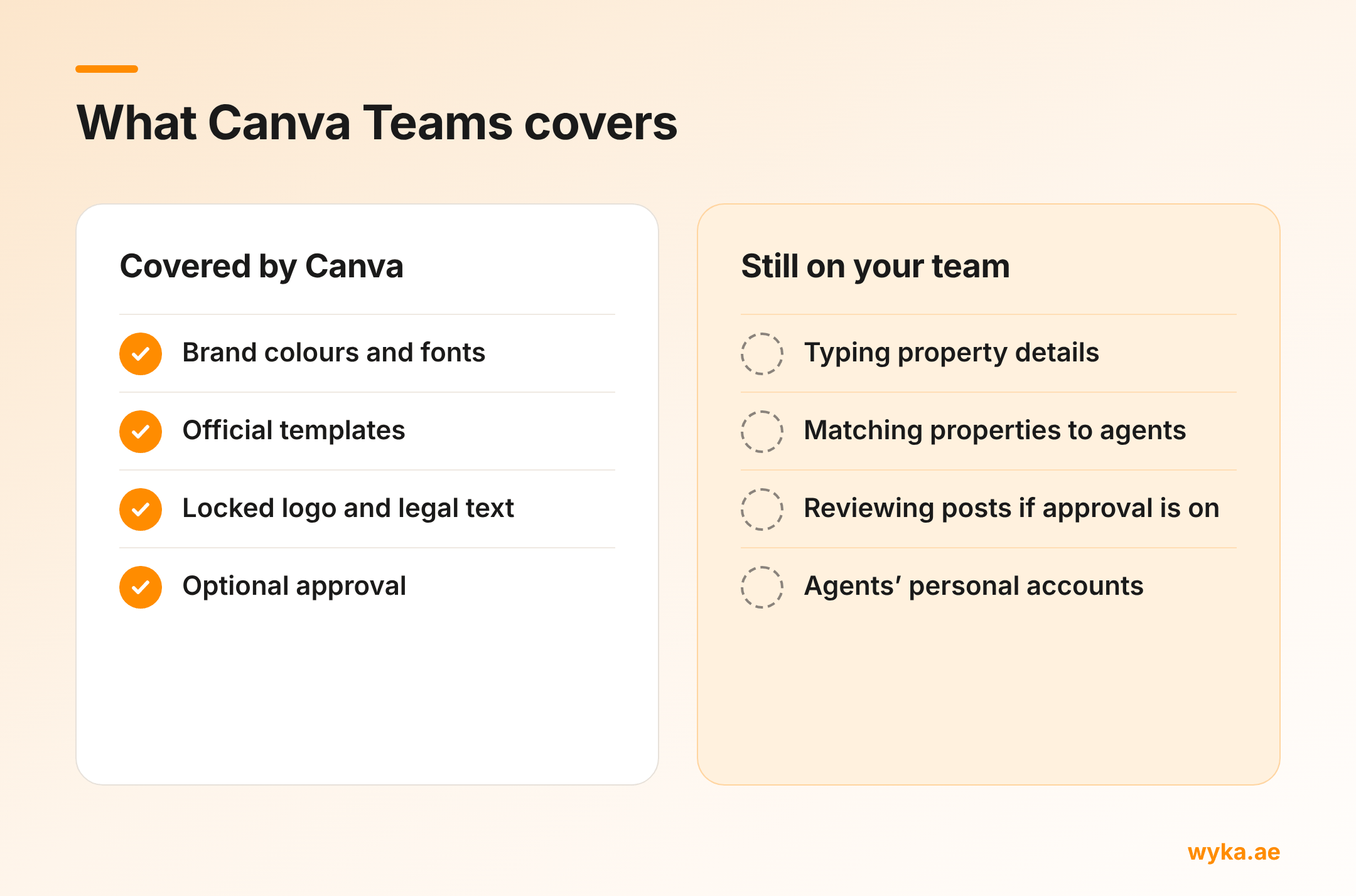
Canva Teams gives you a shared Brand Kit, Brand Controls that limit agents to your colours and fonts, Brand Templates with locked elements, and optional design approval. Set all of these up first. What Canva does not do is handle your properties: it does not know your listings, which agent owns which one, or what goes into each post.
What Canva gives an agency
Brand Kit. One place for your logos, colours and fonts, so agents are not hunting through inboxes for the right files.
Brand Controls. An admin on Canva Teams or Canva Business can restrict designs to your brand colours and brand fonts only. You can also apply these controls to specific folders.
Brand Templates. Your admin or brand designer publishes official designs that every team member starts from. Before publishing, they can lock elements: a full lock stops an element being edited at all, while a position lock keeps the style fixed but lets agents change the text or swap the photo.
Design approval. You can require approval before members publish, either across the team or for designs made from a particular template.
How to set it up for an agency
- Build the Brand Kit. Upload your logo versions, add your brand colours and upload your fonts.
- Turn on Brand Controls. Restrict colours and fonts to the Brand Kit. Canva asks you to create the Brand Kit first.
- Build your official designs. Start with the handful agents use most: new property, new project launch, just sold or leased, open house and a personal update.
- Lock what should never change. Fully lock the logo, legal text and contact block. Use a position lock on the price, details and photo frames so agents can fill them in without moving them.
- Publish them as Brand Templates. Locks have to be set before you publish. To change them later, you edit the template and republish.
- Decide on approval. Turn it on only if you have someone with the time to review every post quickly.
Test the whole thing with a member account before rolling it out, so you see exactly what an agent can and cannot change.
Where it stops for a property team
It does not know your properties. Canva holds your brand, not your listings. Every agent still types or pastes the price, beds, size, location and photos into each post by hand, which is slow and where typos creep in.
It does not know who owns what. There is no idea of an agent's assigned properties. Anyone can make a post about any property, and nothing connects a design to the listing it is about.
Approval creates a queue. Design approval does stop off-brand posts going out. It also puts a person between every agent and every post. In a busy agency that person becomes the bottleneck, which is the problem you were trying to solve.
It only covers your team. Brand Controls apply inside your Canva team. An agent who opens their own personal Canva account, or a free template site, is outside them.
None of this makes Canva Teams the wrong choice. It is the right foundation. It just handles the brand half of the problem, and property posts have a data half too.
Where Wyka fits
Wyka is a Canva app that covers the property half. You set your agency's branding and official designs once, and your admin loads the listings and assigns each one to the right agent. Agents open Wyka inside Canva, pick a design you have approved and one of their assigned properties, and the details and branding drop straight into the design. Agents see only the listings assigned to them.
It is free to set up your agency workspace, so you can see it on your own brand before you pay anything. See Wyka for agencies.
For the brand rules themselves, our social media brand policy template gives you a one-page policy to send your team.
Common questions
Do we need Canva Teams for Brand Controls?
Team-wide Brand Controls are for admins on Canva Teams or Canva Business. Canva Pro users can set folder-level controls, but a team plan is what lets you manage agents centrally.
Can agents still change colours if Brand Controls are on?
With colour control on, they can only choose from your brand colours. The same goes for fonts with font control on.
Should we turn on design approval?
Only if someone can review posts within minutes, every day. If approval regularly takes hours, agents will work around it.