
A Social Media Brand Policy for Real Estate Agents (Free Template)
Wyka Team
Most agencies have brand rules. The trouble is that they live in the marketing manager's head. New agents guess, experienced agents improvise, and the same correction goes out on WhatsApp every week.
A short written policy fixes that. Below is a template you can copy, edit and send to your team today.
The short answer
A social media brand policy is one page that tells agents what they can change on a post and what they cannot. Share it in an agent's first week, keep it short enough to read in five minutes, and update it whenever you see the same mistake twice.
What a good policy covers
It covers the things agents actually get wrong: which designs to use, what they can edit, how prices are written, what photos are acceptable and who to ask when they are unsure. It also says what happens when a post breaks the rules, so nobody is surprised.
What it leaves out matters just as much. Agents will not read your full brand guidelines, colour theory or logo history. If a rule does not change what an agent does on a Tuesday afternoon, it does not belong here.
The template
Copy everything below, replace the parts in square brackets and delete anything that does not apply to your agency.
[Agency name] social media brand policy
1. Why this exists Every post you publish represents [Agency name]. These rules keep our posts recognisable and professional, so buyers and landlords know it is us before they read a word.
2. Use the official designs Start every property post from an official [Agency name] design. You can find them in [where they live, for example our Canva team or the Wyka app]. Do not use templates from other agencies, free template sites or your previous job.
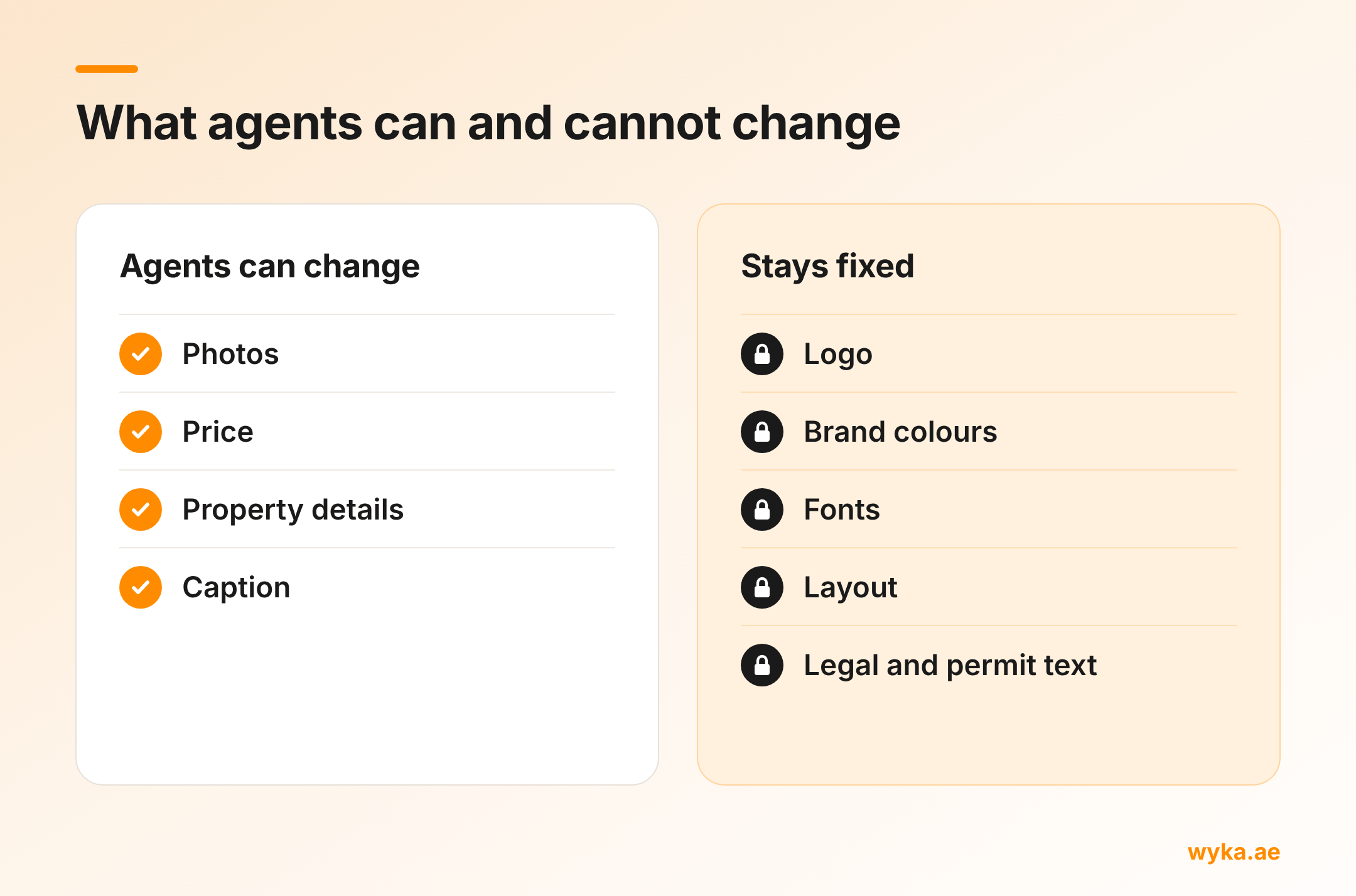
3. What you can change The property photos, the price, the property details (bedrooms, bathrooms, size, location) and the caption.
4. What you cannot change The logo, its position and size, the brand colours, the fonts, the layout and any legal or permit text.
5. Prices and numbers Write prices as [AED 2,350,000 or AED 2.35M]. Write sizes as [sq ft or sq m]. Keep the same format on every post.
6. Photos Use bright, sharp, horizontal photos where possible. No photos with another agency's watermark, no screenshots from property portals and no photos you do not have permission to use.
7. Permits and compliance Include the advertising permit details on every post that needs them, in the space the official design provides. If you are not sure whether a post needs a permit, ask [name] before posting. Do not promise returns, yields or "best price" claims unless [name] has approved the wording.
8. Personal accounts If you post [Agency name] properties on your personal accounts, these rules still apply. Your personal content outside property posts is your own.
9. Captions Keep captions clear and honest. Lead with the property, not with emojis. Include how to contact you.
10. When you need something new If the design you need does not exist, for example a price reduction or a rental, ask [name] in [channel]. We would rather add a design than have you make your own.
11. If a post breaks these rules We will ask you to replace it with the official design. If it keeps happening, we will talk to your team leader.
Questions? Message [name] in [channel].
How to roll it out
Send the policy to every agent and pin it in your team group chat. Then walk through one real example together: open an official design, make a post with it and show what can and cannot change. Ten minutes of showing beats a page of telling.
Add the policy to your onboarding, so every new joiner gets it before their first post. Review it every few months and cut any rule nobody breaks.
Mistakes to avoid
Writing too much. A policy agents do not read is the same as no policy. One page is the limit.
Rules without designs. Telling agents to stay on brand without giving them official designs sets them up to fail. The designs come first. Our guide on how to stop agents posting off-brand designs covers how to build that set.
Policing instead of fixing. When the same rule keeps being broken, the rule or the design is usually the problem. Check whether the official route is slower than the workaround.
Where Wyka fits
Wyka is a Canva app that turns the "what you cannot change" part of your policy into something agents cannot get wrong. You set your agency's logo, colours and official designs once. Agents open Wyka inside Canva, pick a design you have approved and the property assigned to them, and your branding is already on the post.
It is free to set up your agency workspace, so you can see it on your own brand before you pay anything. See Wyka for agencies.
Common questions
Should the policy cover agents' personal accounts? Only for property posts that carry your agency's name. What agents post about their own lives is up to them.
Who should own the policy? Whoever handles marketing. One named person who answers questions and updates the policy works better than a committee.
How often should we update it? Every few months, or whenever the same mistake shows up twice. Each repeated mistake usually points to a missing rule or a missing design.